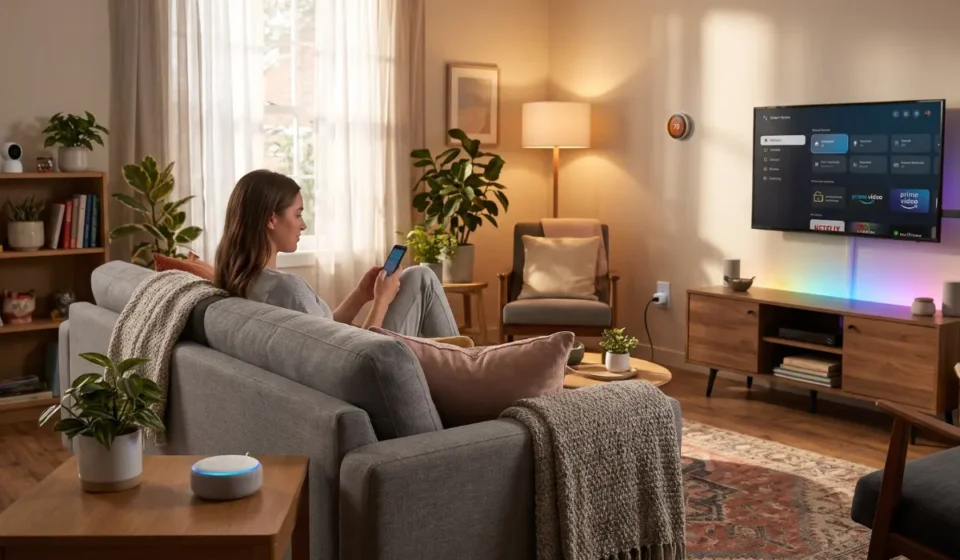
5 Budget-Friendly Smart Home Gadgets to Upgrade Your Living Room

When somebody talks about a smart home, the first thing that comes to mind is expensive appliances, complicated installations, or a complete renovation. However, that is not exactly what you need to make your place a smart home. All you need is a few practical smart home gadgets with which you can make your living room more comfortable, convenient, and energy-efficient. And the best part is this can be achieved without spending a fortune.
The living room is one of the most frequently used areas of a home where you can relax, watch television, entertain guests, and spend time with family. And when you add the right technology to your home, you can simplify many everyday activities. So, in this article, we will explore some of the budget-friendly smart home gadgets to upgrade your living room in no time.
Top 5 Gadgets for the Living Room That You Must Buy
You can easily accentuate your interiors and make your living room a ‘smart’ one in just a few steps. From voice-controlled lights to ordinary appliances that become connected devices, plenty of affordable options can elevate your living room. If you are looking for useful gadgets for the living room without going over your budget, here are five smart upgrades worth considering:
- Smart LED bulb
- Smart plug
- Smart speaker
- Streaming device
- Smart LED light strip
A Quick Overview of Top 5 Living Room Gadgets
| Gadget | Price Range (India) | Works With | Setup Time | Best Budget Pick |
|---|---|---|---|---|
| Smart LED Bulb | ₹300 – ₹800 | Alexa, Google Home, HomeKit | 2 minutes | Syska Smart Bulb, Wipro Smart Bulb |
| Smart Plug | ₹500 – ₹1,500 | Alexa, Google Home | 3 minutes | Wipro 16A Smart Plug, TP-Link Tapo P100 |
| Smart Speaker | ₹2,000 – ₹4,000 | All major ecosystems | 5 minutes | Amazon Echo Dot 5th Gen, Google Nest Mini |
| Streaming Device | ₹3,000 – ₹5,000 | Any HDMI TV | 5 minutes | Fire TV Stick 4K, Mi Box 4K |
| Smart LED Strip | ₹800 – ₹2,500 | Alexa, Google Home | 10 minutes | Syska LED Strip, Philips Hue Play |
1. Smart LED bulbs
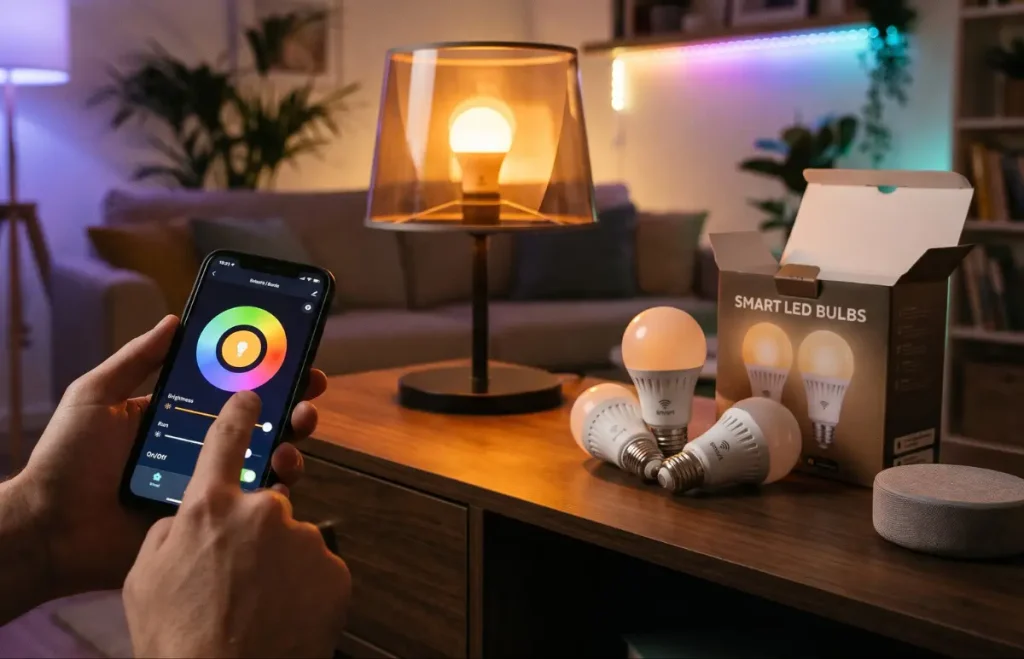
If you wish to add smart technology to your living room, smart LED bulbs are one of the simplest and most affordable ways to do that. You can simply replace regular bulbs with these smart LED bulbs and enjoy greater control over your lighting. These lights allow you to adjust brightness, change colours, set timers, or control the lights remotely through a smartphone app. Built with energy-efficient LED technology, it also reduces unnecessary electricity consumption, especially when used with timers or automatic routines.
Many smart bulbs also come with voice assistants, allowing you to switch the lights on or off without getting up from your seat. Some models also have millions of colour choices, allowing you to create different moods easily. For example, warm lighting while reading and colourful lighting when partying with friends. Smart LED bulbs are easy to install in compatible fixtures and can be operated via a smartphone and voice control. If you are somebody who wishes to build a smart living room on a limited budget, smart bulbs are the most practical choice.
2. Smart plugs
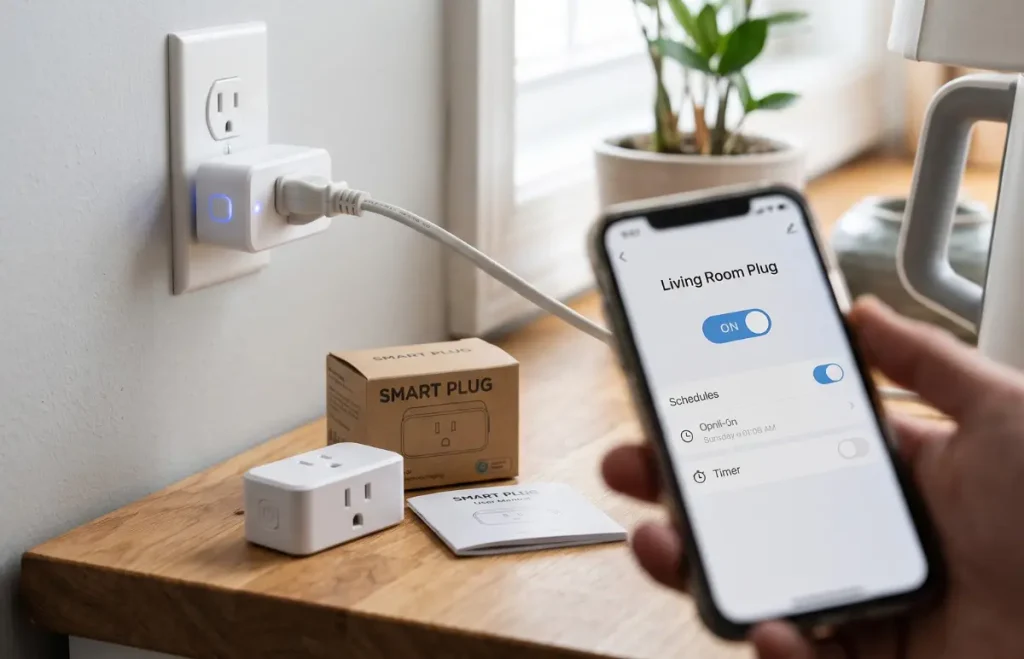
If you are planning to make your living room smarter, it is not necessary to entirely replace your existing appliances. Instead, you can use a smart plug that fits between a wall outlet and an appliance and adds connected controls to many conventional electrical devices. It can typically be switched on and off remotely using a connecting app. You can also utilise schedules, timers, or voice-control routines.
For example, you could schedule a lamp or device to turn off at bedtime automatically. You can also opt for energy-monitoring features to analyze how much electricity a connected appliance is using. Smart plugs make many ordinary appliances easier to control and reduce unnecessary standby usage. These compact and inexpensive models also offer energy monitoring.
3. Smart speaker
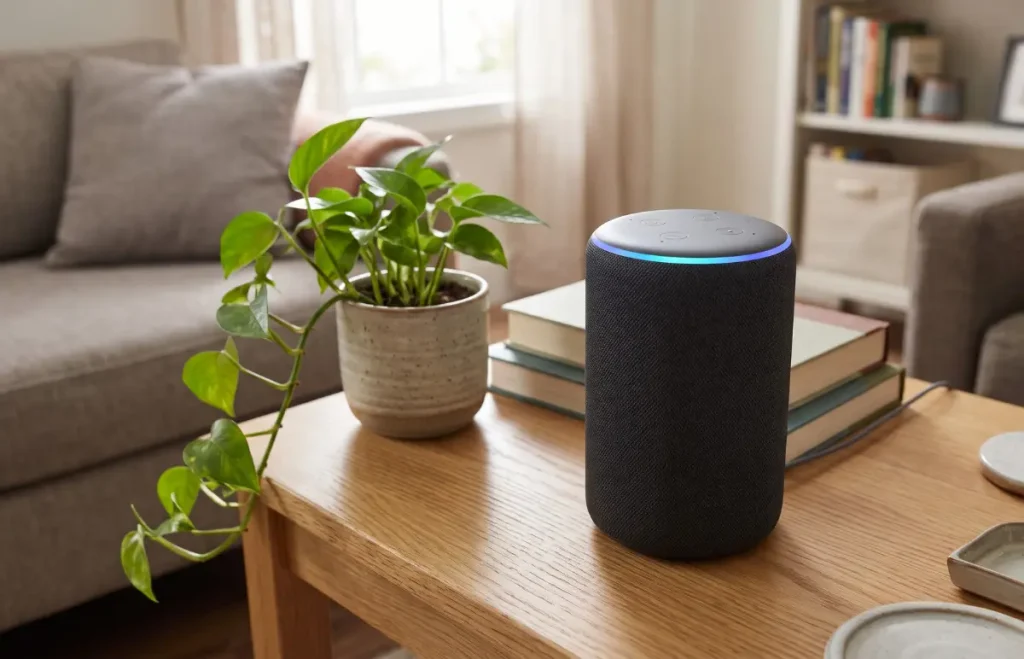
A smart speaker can act as an entertainment device and a control point for smart-home products. You can play music, set alarms and timers, create reminders, and perform various tasks through voice commands. You can also pair it with compatible devices such as bulbs, plugs, and TVs, and control them.
Smart speakers allow you to give hands-free voice commands, set timers, alarms, and reminders, and enjoy smart-home device control. For instance, you can ask your voice assistant to dim the living room lights or switch off a compatible smart plug. These budget-friendly gadgets are perfect for people who want voice control without investing too much in a home-automation system.
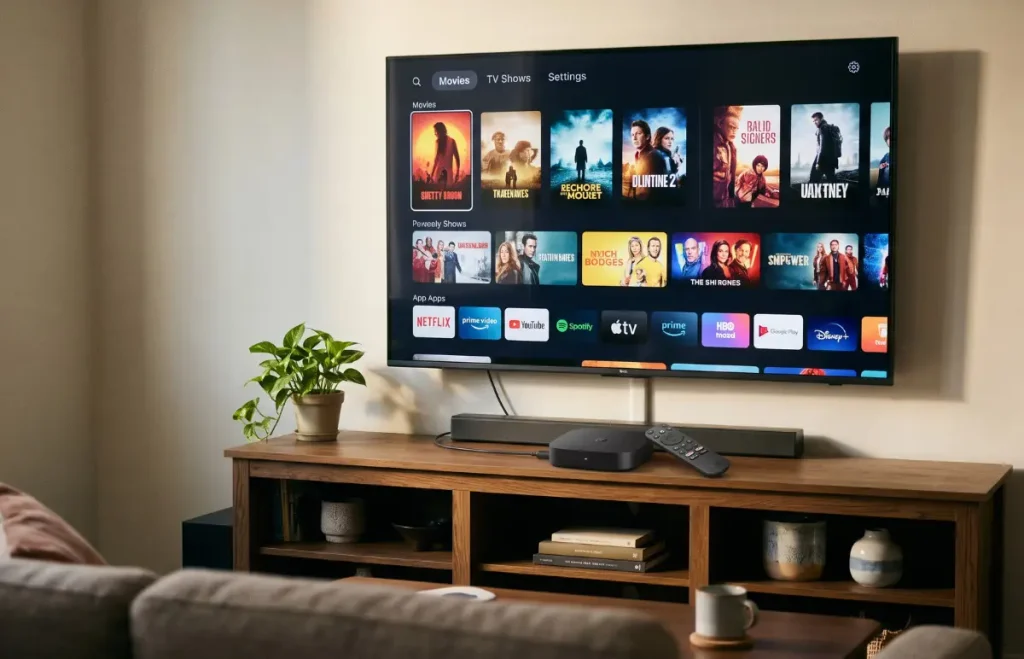
4. Smart TV streaming device
If you wish to enjoy modern streaming features, you do not need to buy a brand-new television. You can simply expand your TV’s entertainment capabilities, provided it has a compatible HDMI connection. Streaming sticks and boxes provide you with access to popular video and music streaming apps through a single interface.
The popular features that you can get may include Full HD or 4K playback, voice search, screen casting, and smart-home integration. A streaming device can be useful if your TV has a good display but has outdated software or lacks the apps you want. It can add modern streaming services to compatible TVs, support voice search and control, and is more affordable than replacing a working television.
5. Smart LED light strip
If you want to improve your living room’s atmosphere without spending much, a smart LED light strip is a smart choice. You can install them behind a television, under furniture, or around bookshelves, artwork, or decorative areas, as they allow flexible placement around the living room. Installing a strip behind your television adds soft ambient lighting and makes the area feel more immersive.
Many models offer adjustable colours and brightness. Some also support voice assistants, music-responsive effects, and app-controlled lighting scenes. You will also find timer and scheduling options on many models, which turn out to be an affordable way to add decorative lighting.
Quick Comparison of Budget-Friendly Smart Home Gadgets
| Gadget | Best For | Key Benefit | Installation |
| Smart LED Bulb | Everyday lighting | Remote and automated lighting control | Easy |
| Smart Plug | Existing electrical devices | Adds smart controls without replacing appliances | Very easy |
| Smart Speaker | Voice control and audio | Controls compatible devices hands-free | Easy |
| Streaming Device | Home entertainment | Adds modern streaming features to compatible TVs | Easy |
| Smart LED Light Strip | Ambience and décor | Creates customisable accent lighting | Easy |
How to Choose the Best Budget-Friendly Gadgets for Your Living Room
When shopping for affordable smart devices, you should not only consider the price of the product. That said, a cheap gadget may be of little value if it does not work with your existing setup. Instead, you should consider the following factors before purchasing a budget-friendly gadget for your living room:
Check compatibility
Compatibility is an important factor to consider while buying smart home gadgets. So, you should check whether a product supports the smart-home platform or voice assistant you plan to use. Choosing products that work within the same ecosystem can make it easier to create routines and control multiple devices together.
Focus on essential features you need
It is easy to be attracted by a long list of features, but additional functions are only valuable if you use them. For example, if you simply want to switch a lamp on and off remotely, an inexpensive smart plug may be enough. If you want to change the atmosphere of the entire room, adjustable smart bulbs or light strips may offer greater value.
Look at connectivity requirements
Many affordable smart devices connect directly to Wi-Fi, while others may require a separate hub or bridge. Check these requirements before purchasing so that you do not face unexpected additional costs. You should also confirm which Wi-Fi bands the device supports, as some smart-home products have specific network requirements.
Consider energy efficiency of products
Look for energy-efficient products where appropriate. LED smart bulbs, for instance, combine connected controls with efficient lighting technology. Smart plugs with timers or energy-monitoring features can also help you identify or reduce unnecessary electricity usage.
Check security and software support
Smart devices connect to your home network, so security should be part of your buying decision. Choose products from reputable manufacturers that provide software or firmware updates. Use strong, unique passwords for your accounts, enable multi-factor authentication where available, and keep device software updated.
Read reviews before buying
Reviews can reveal practical issues that specifications do not always show, such as unreliable connectivity, difficult setup, poor app design, or inconsistent voice-assistant support. Compare recent reviews and verify that the features advertised by the manufacturer work with your specific phone, router, TV, or smart-home platform.
Are Affordable Smart Home Gadgets Worth Buying?
Affordable smart-home devices can be worth a shot if they solve an everyday problem. However, you do not need to automate everything at once; rather, start with one or two inexpensive products. This will allow you to understand which smart features are genuinely useful in your routine. For instance, a smart bulb might make lighting more convenient, whereas a smart plug can add scheduling to an existing device. Budget products also prove to be a practical way to experiment with home automation before investing in more advanced equipment.
However, you should understand that the cheapest product is not automatically the best value. Extremely inexpensive devices may have limited software support, weaker security practices, unreliable apps, or compatibility issues. So, instead of focusing on the lowest price, you should compare features, manufacturer support, reviews, and long-term usefulness. In short, the best budget-friendly gadgets are the ones that provide useful features without adding unnecessary complexity.
Final Thoughts
There is no denying that upgrading your living room does not mean going for an expensive smart-home makeover. You can buy simple smart home gadgets such as LED bulbs, smart plugs, smart speakers, streaming devices, and LED light strips that can improve convenience while keeping costs manageable. You should add these devices in the areas where technology can make a huge difference in your daily routine. So, opt for compatible, reliable, and useful gadgets for living room spaces to build a smarter home while staying within your budget. Which smart home gadget did you like the best? Let us know.
Frequently Asked Questions (FAQs)
1. What are the best smart home gadgets for a living room?
Smart LED bulbs, smart plugs, smart speakers, streaming devices, and smart LED light strips are some of the best options. However, the choice depends on whether you want better lighting, entertainment, automation, or voice control.
2. Can I make my living room smart on a small budget?
Yes, absolutely. You can buy one affordable device, such as a smart bulb or smart plug, and add more compatible products as and when your budget allows.
3. Do smart home gadgets require a smart speaker?
Many smart devices can be controlled directly through their smartphone apps. A smart speaker is only useful if you want hands-free voice control and compatible home automation routines.
4. Do all smart home gadgets require Wi-Fi to operate?
No, not necessarily. Connectivity of smart home gadgets varies by product. While many budget devices use Wi-Fi, others use Bluetooth or compatible hubs or controllers. However, you should always check the product requirements before purchasing.
5. Are budget-friendly smart gadgets safe to use?
Yes, budget-friendly smart gadgets can be safe to use if you choose reputable products and follow good security practices. However, you need to be careful about certain things. For example, keep firmware updated, use strong passwords, enable multi-factor authentication, and avoid unsupported devices.